
UGC videos
An AI creator, a hook, and your real app demo in one vertical video.
Add your app once. Reelfinn turns your real screens and demo into UGC videos, TikTok slideshows, static ads and caption packs, ready to post.
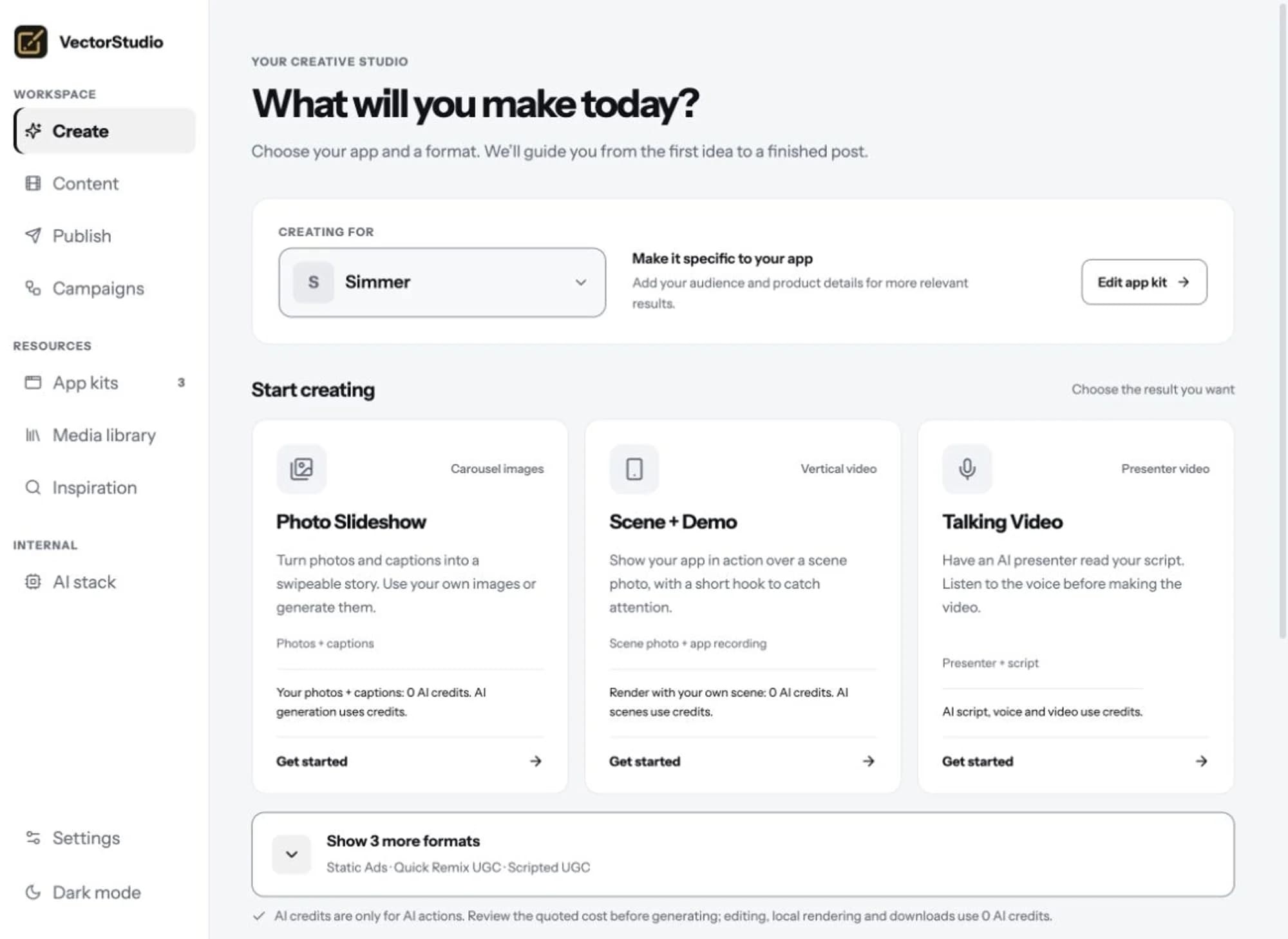
What you get from one app kit
An AI creator, a hook, and your real app demo in one vertical video.
Swipeable stories built around your product screens.
Compositions made for 9:16, 4:5 and 1:1 placements.
One visual set, many captions, exported as ready-to-post variations.
Every tile below came out of this product: AI creators, each demo app's own screens, captions burned in. Nothing here is a mockup.
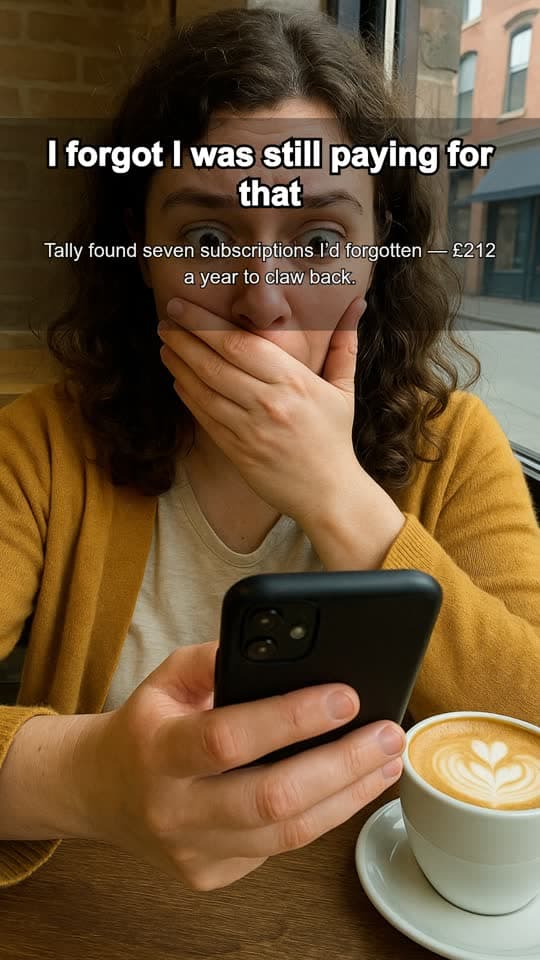
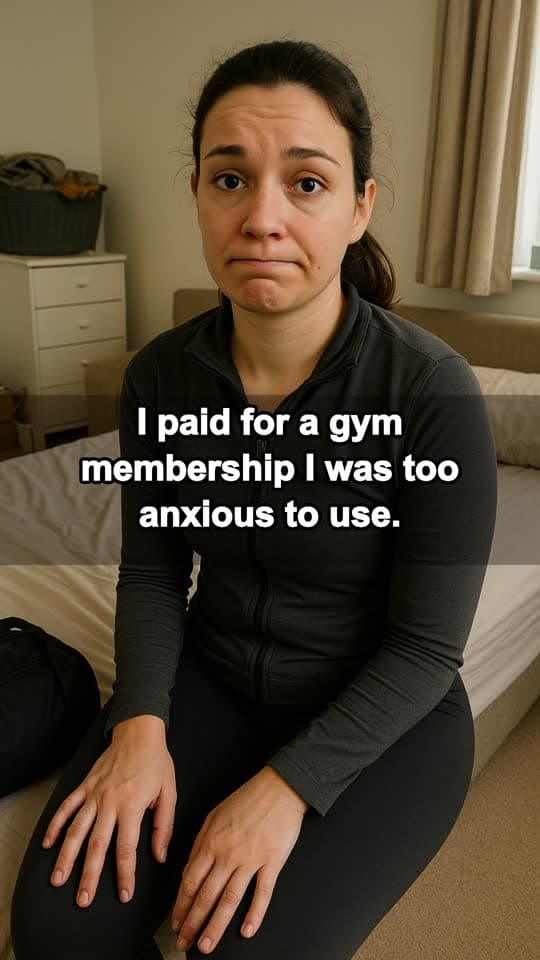
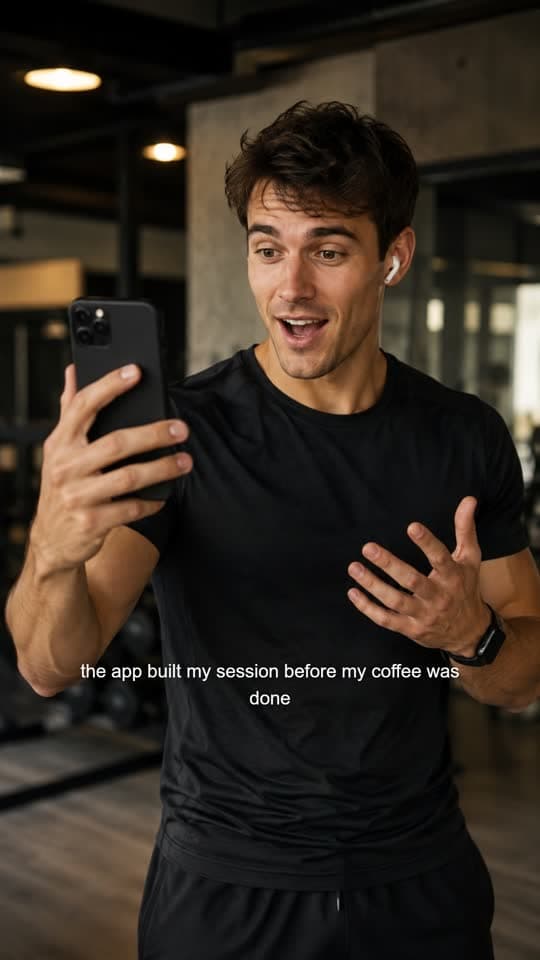
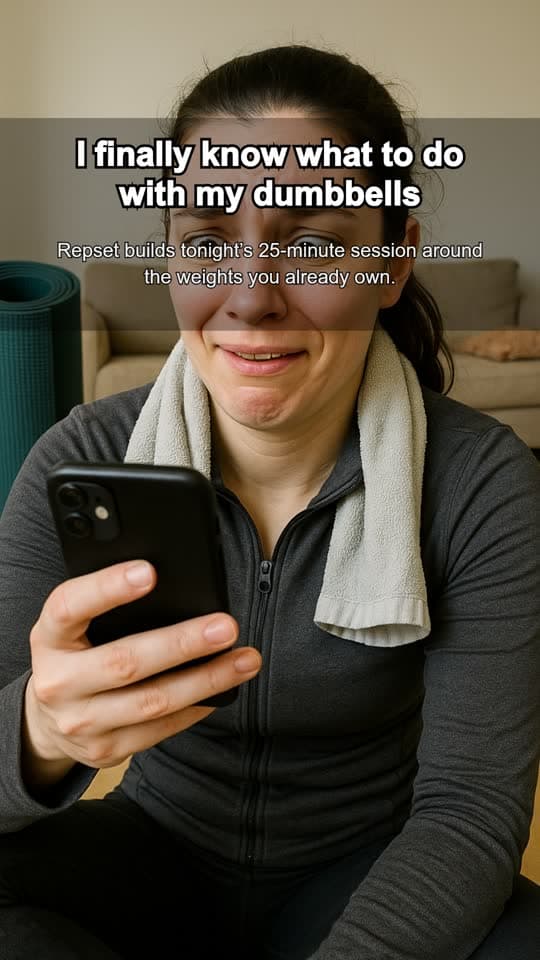
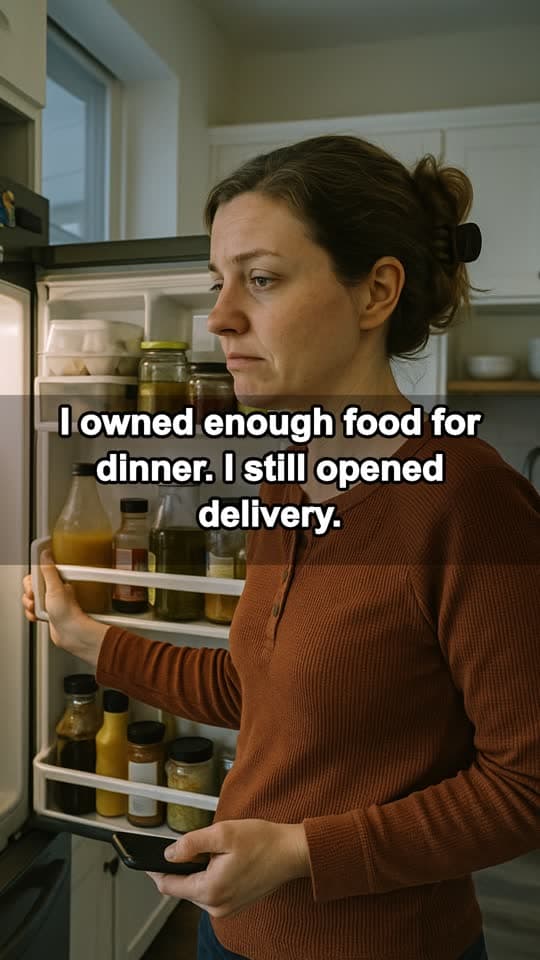
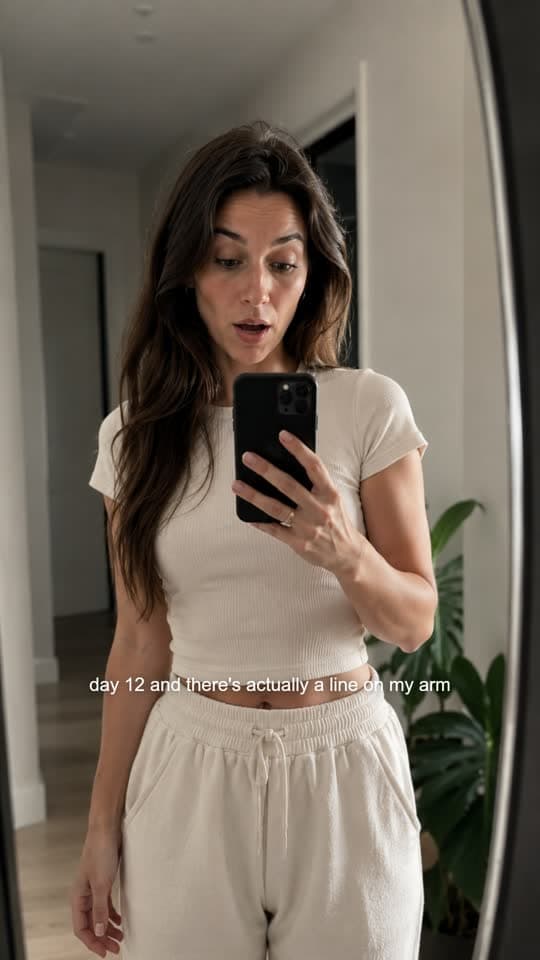
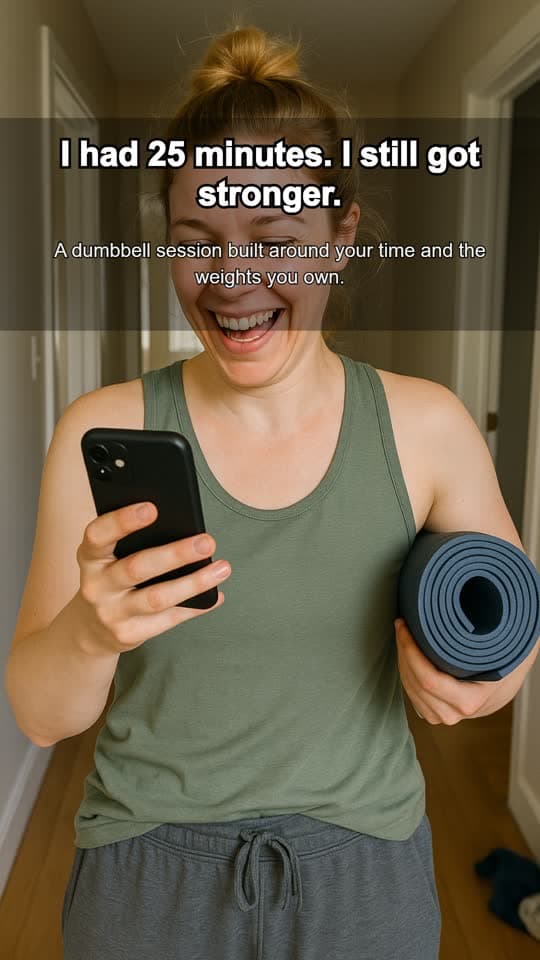
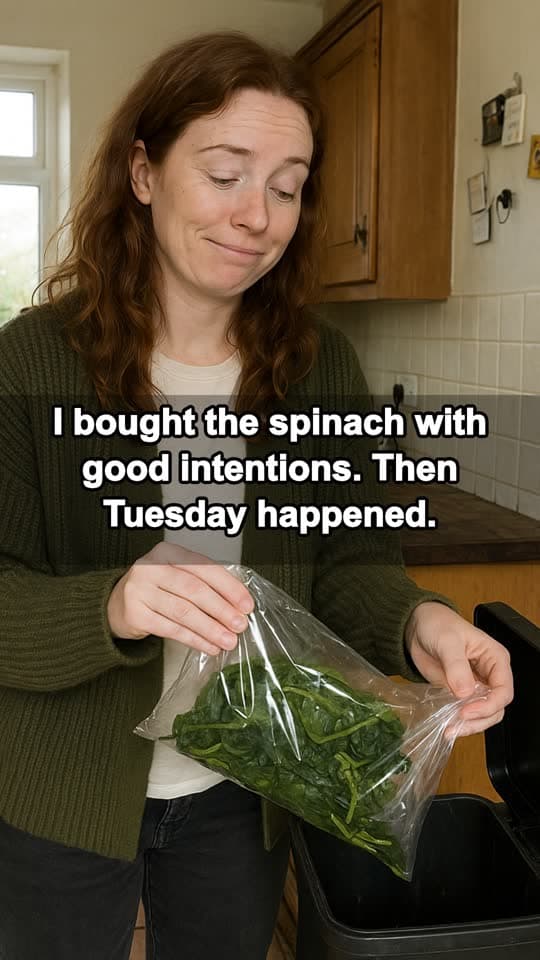

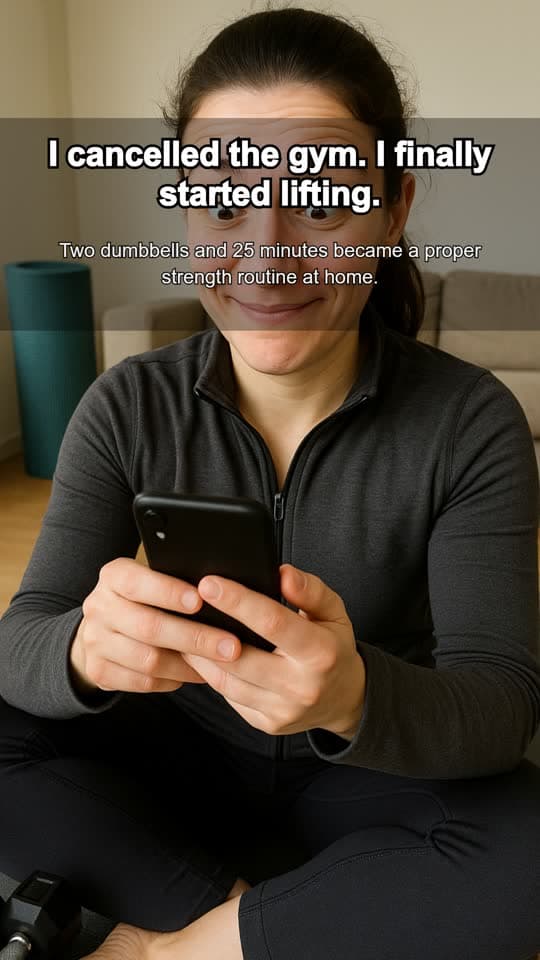
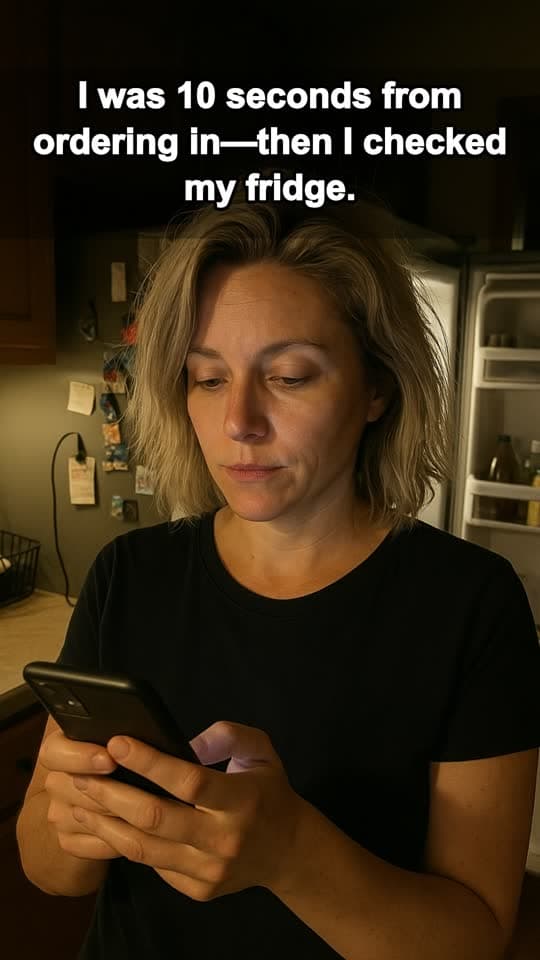
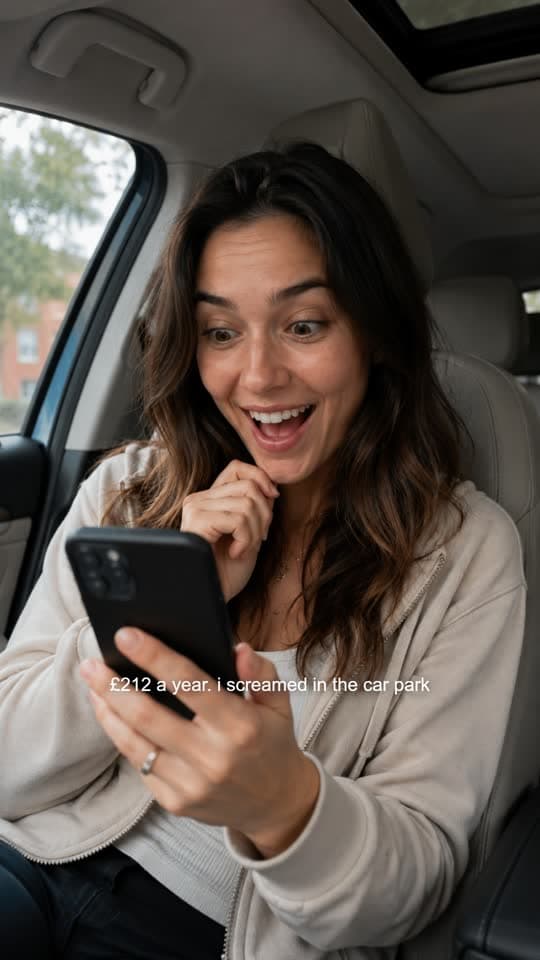
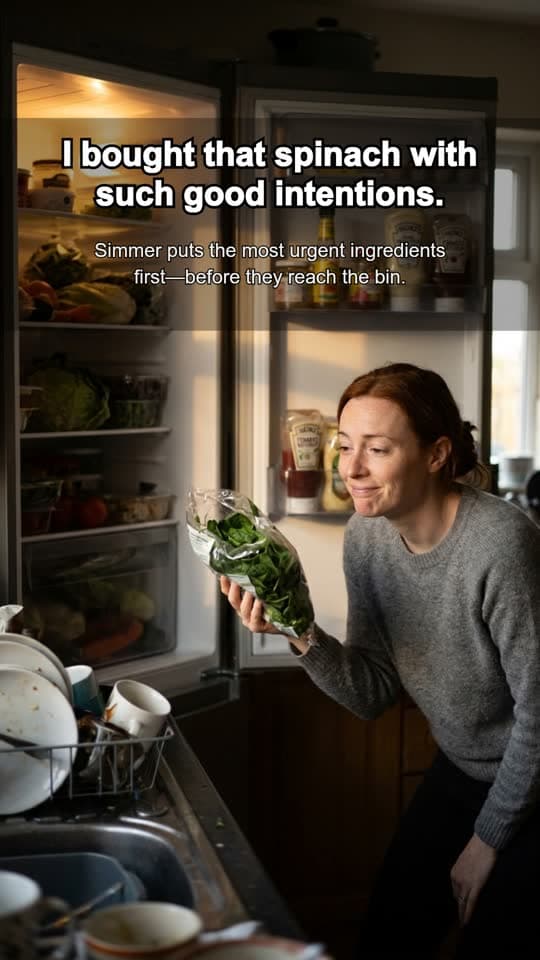
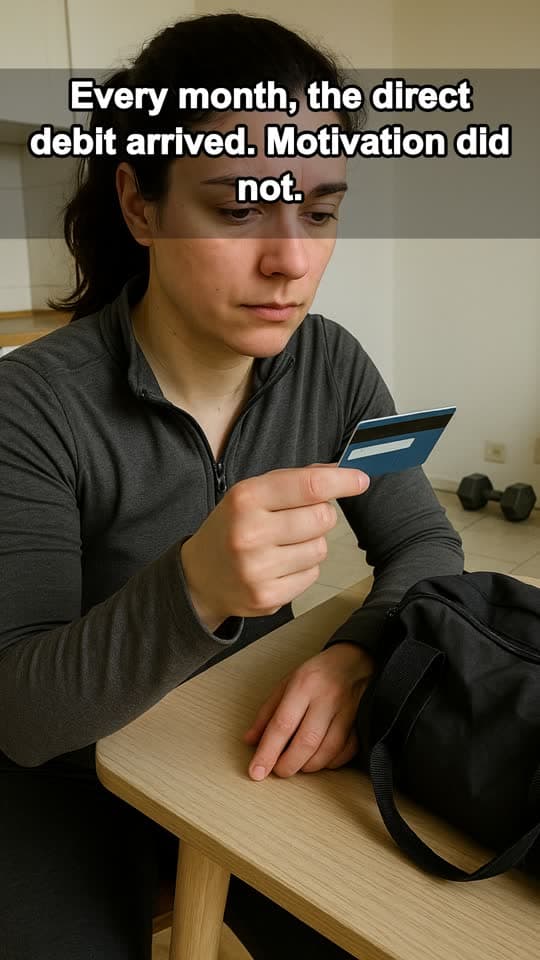

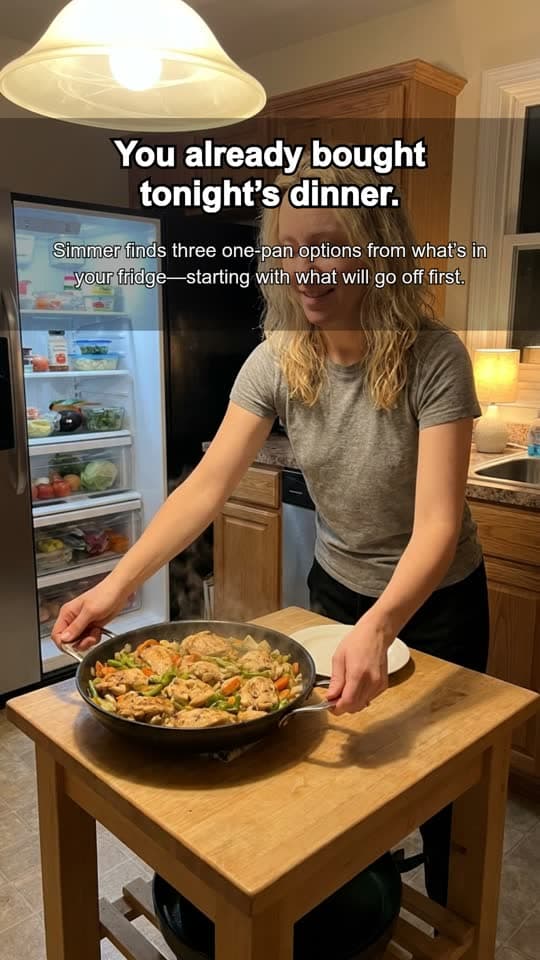
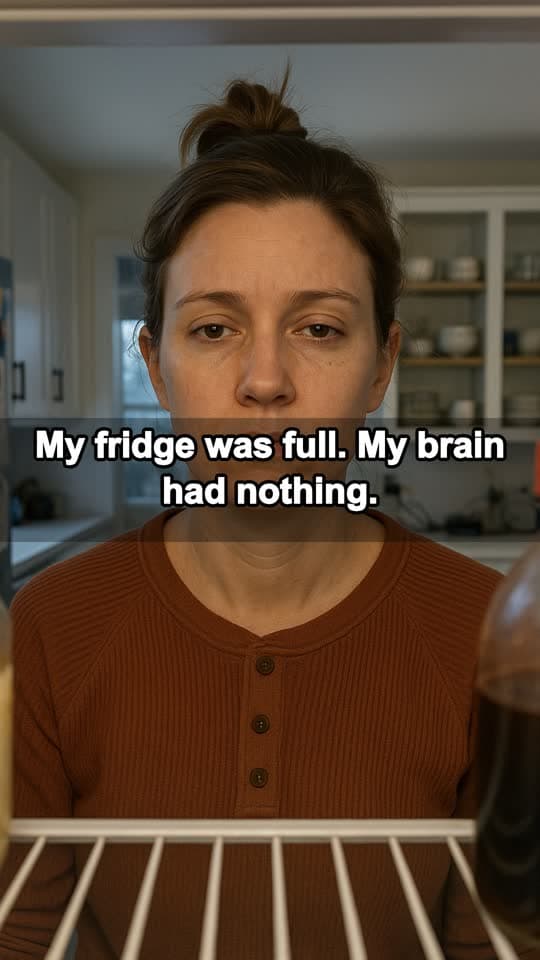

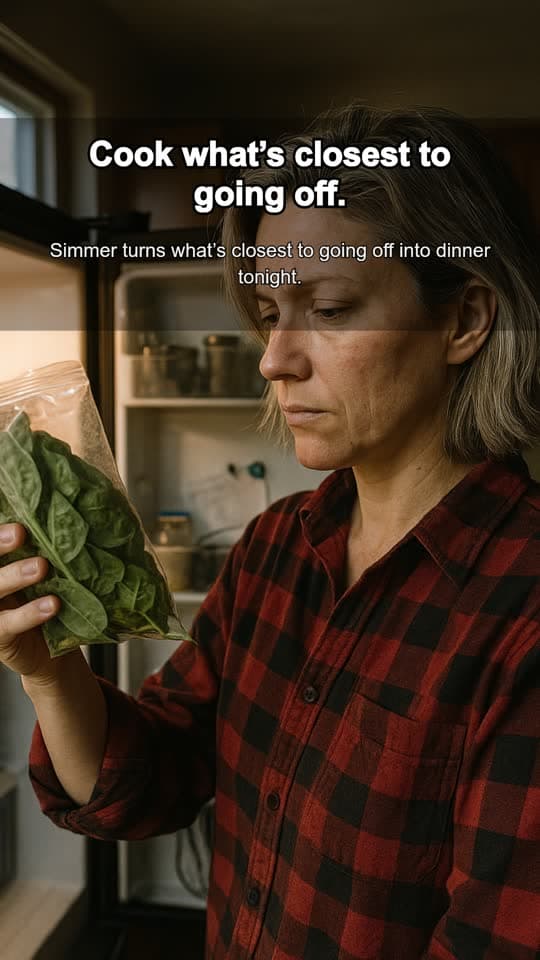
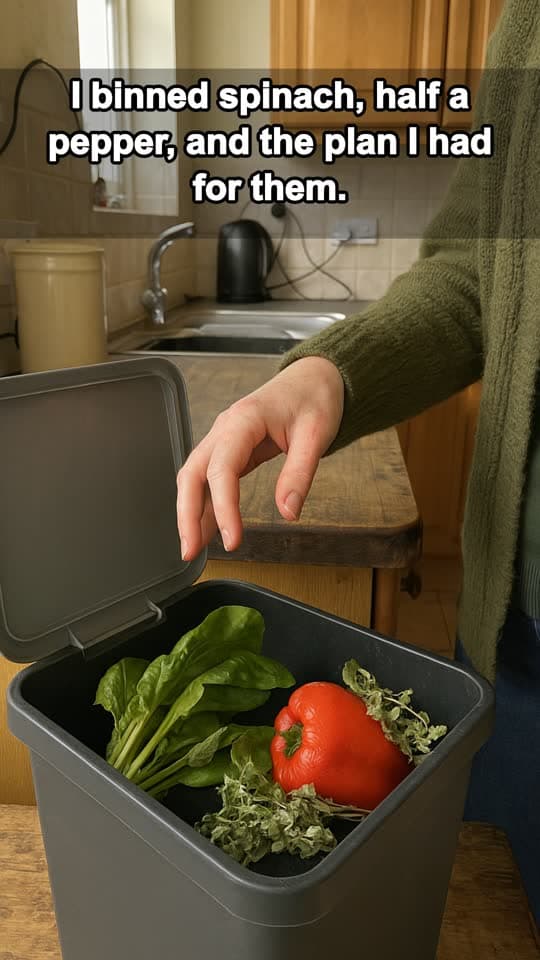

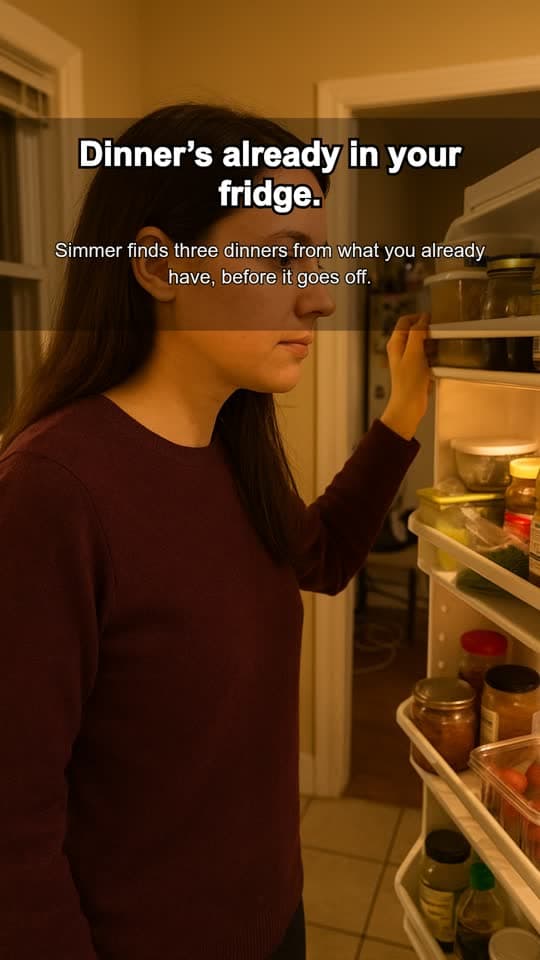
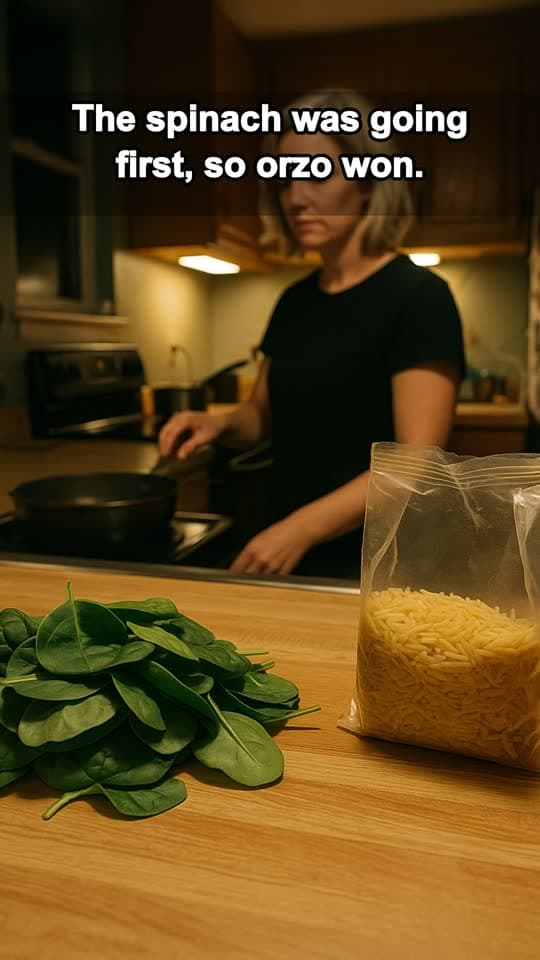
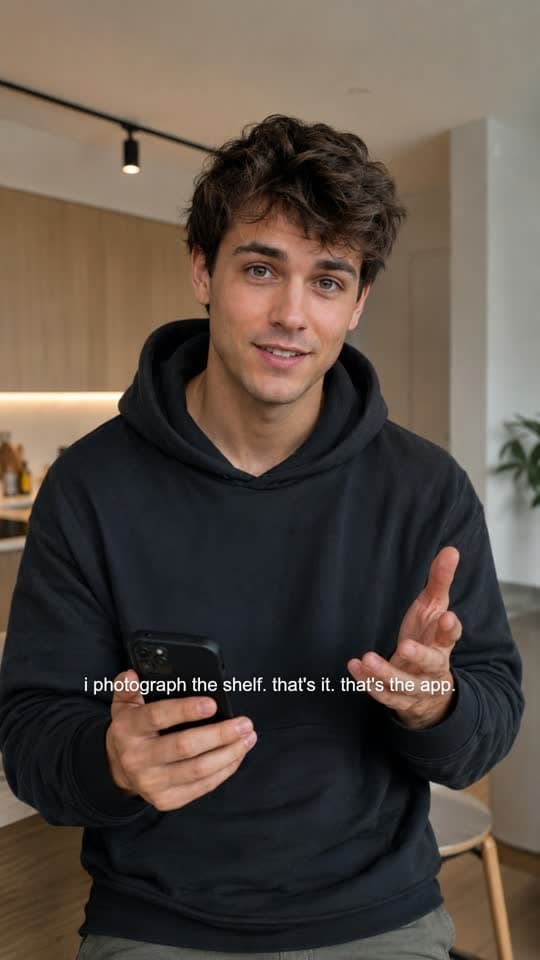
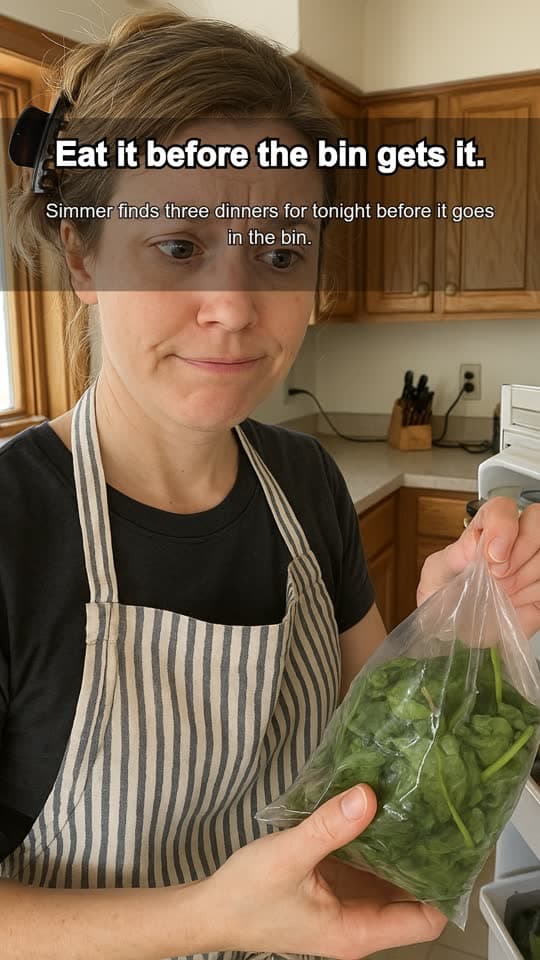
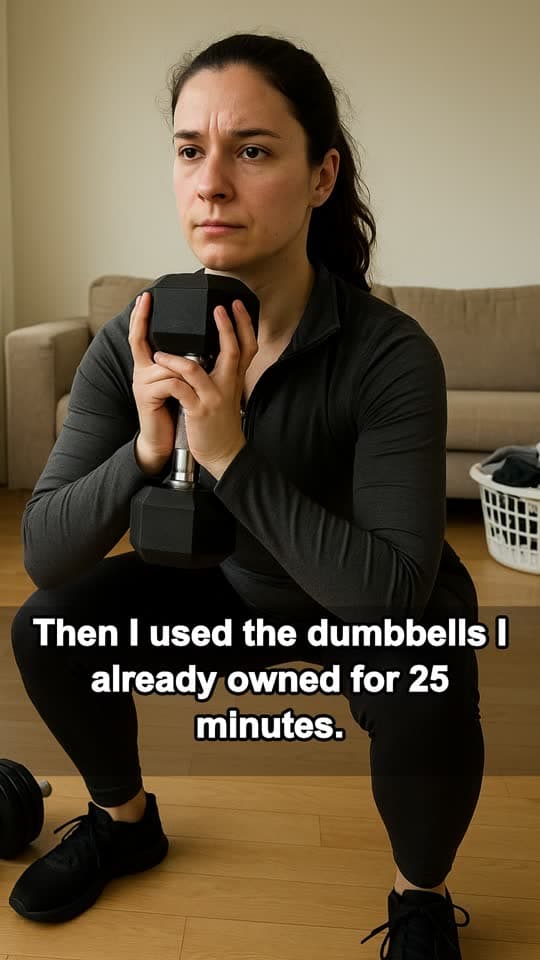
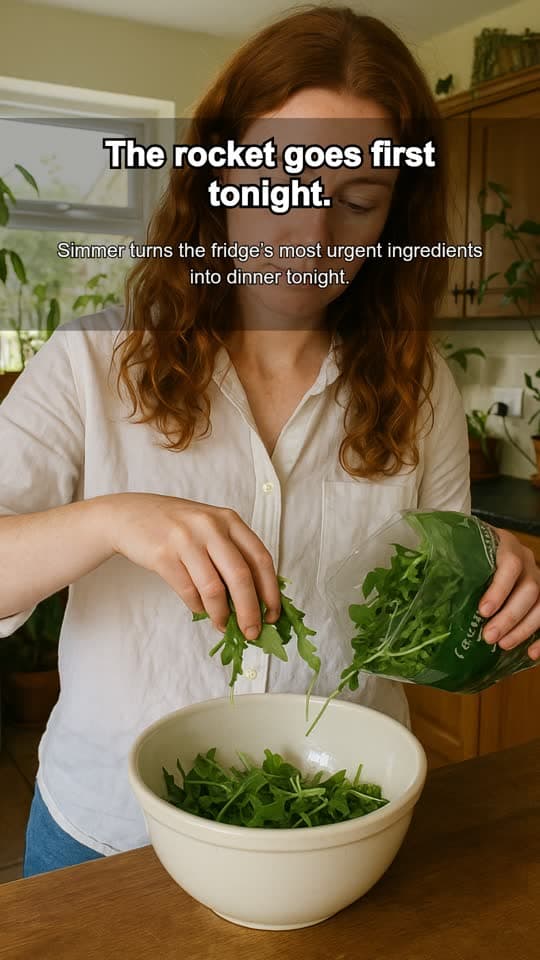
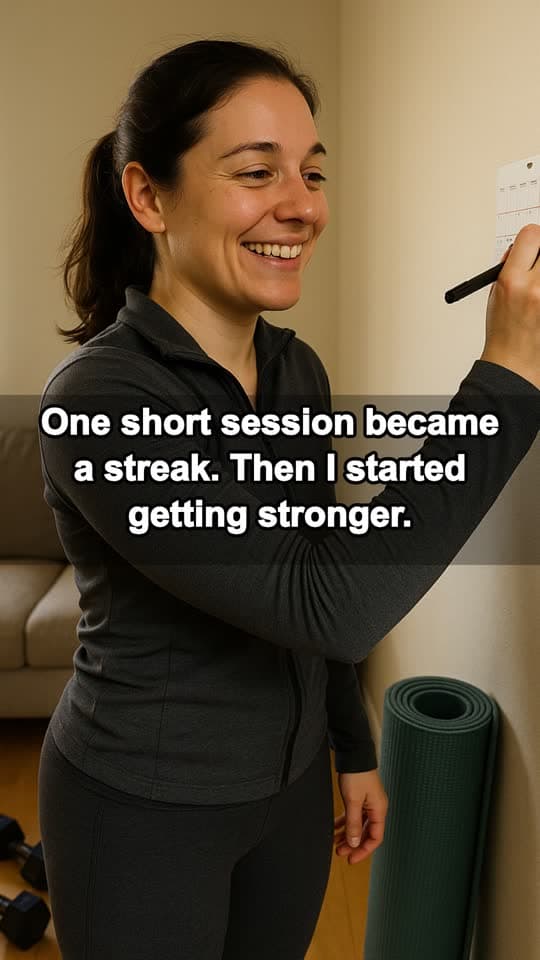
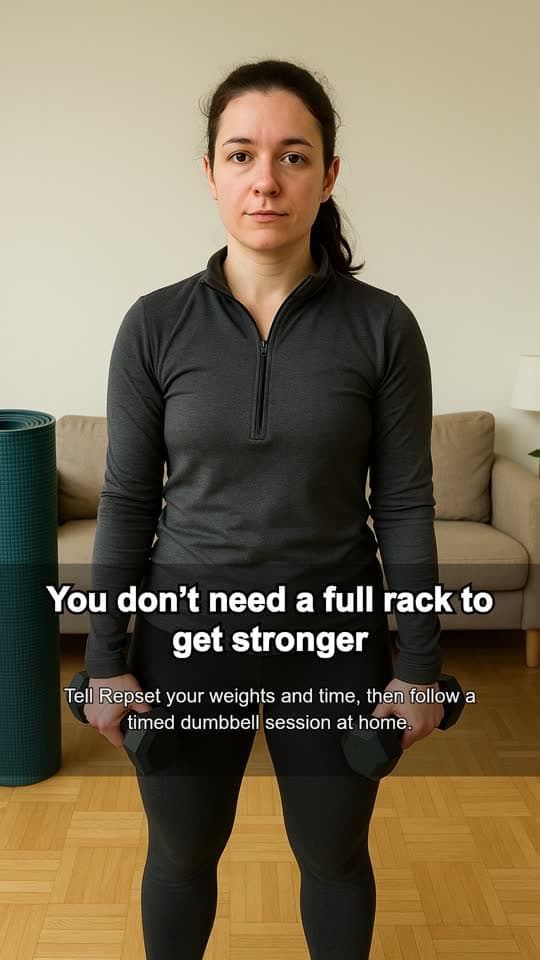
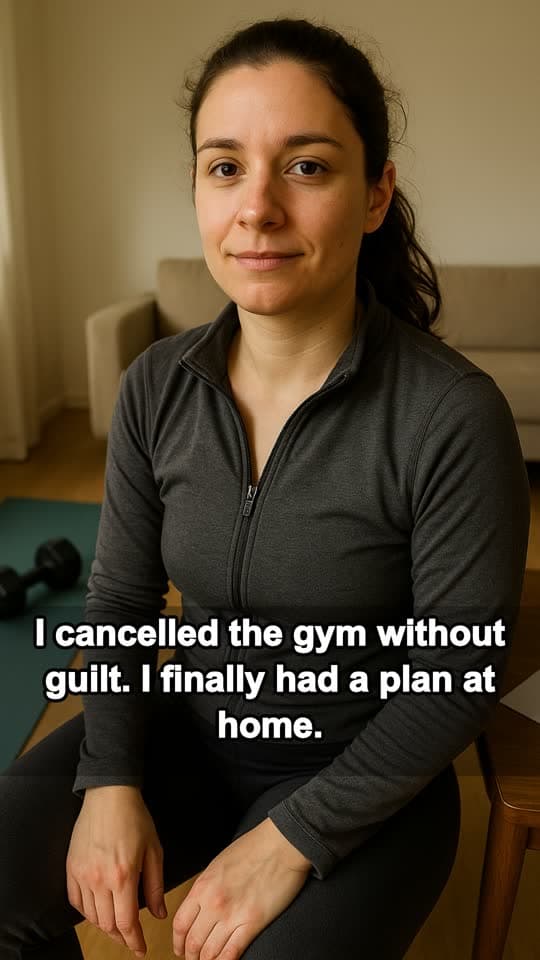
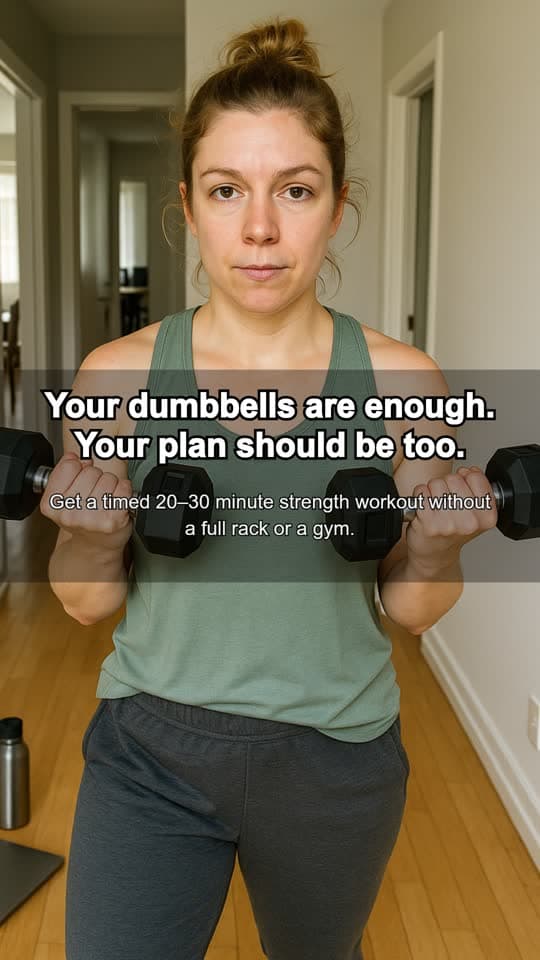
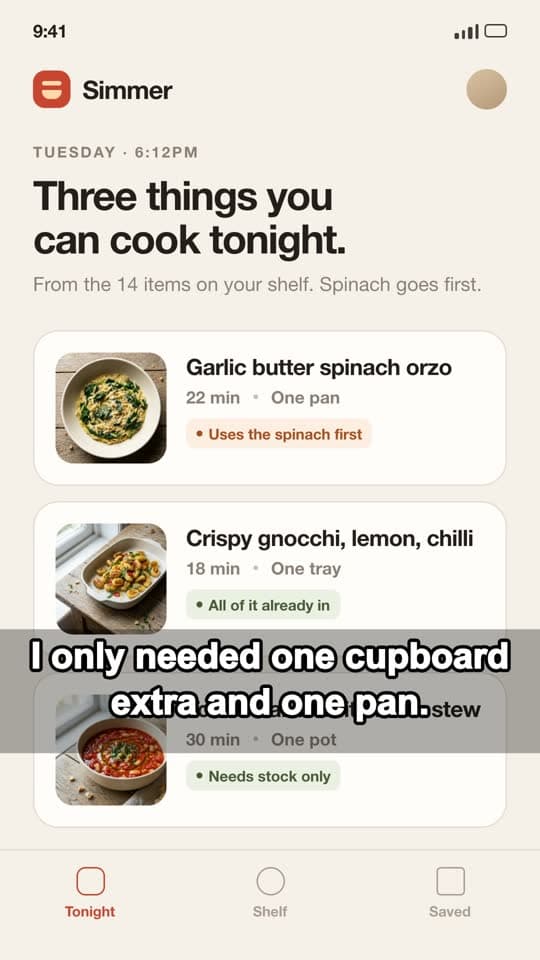
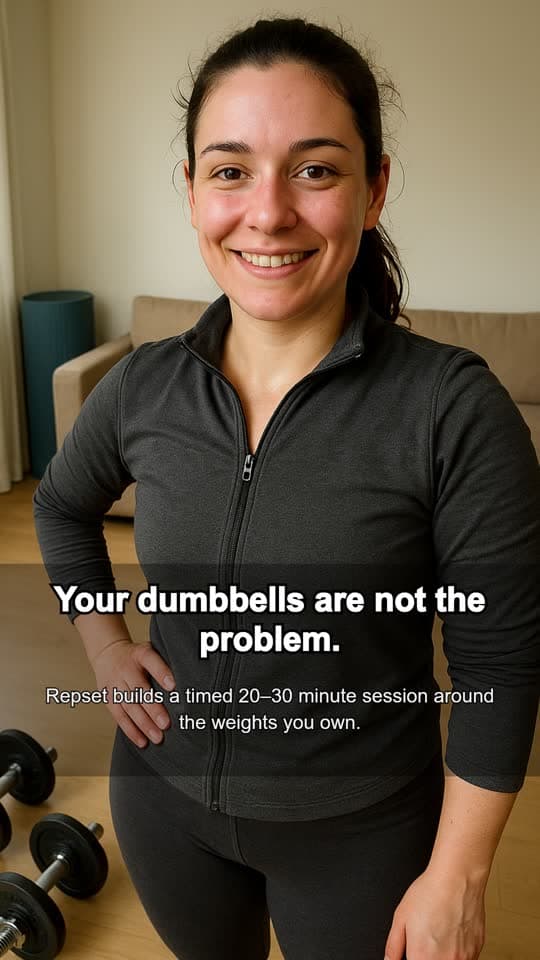
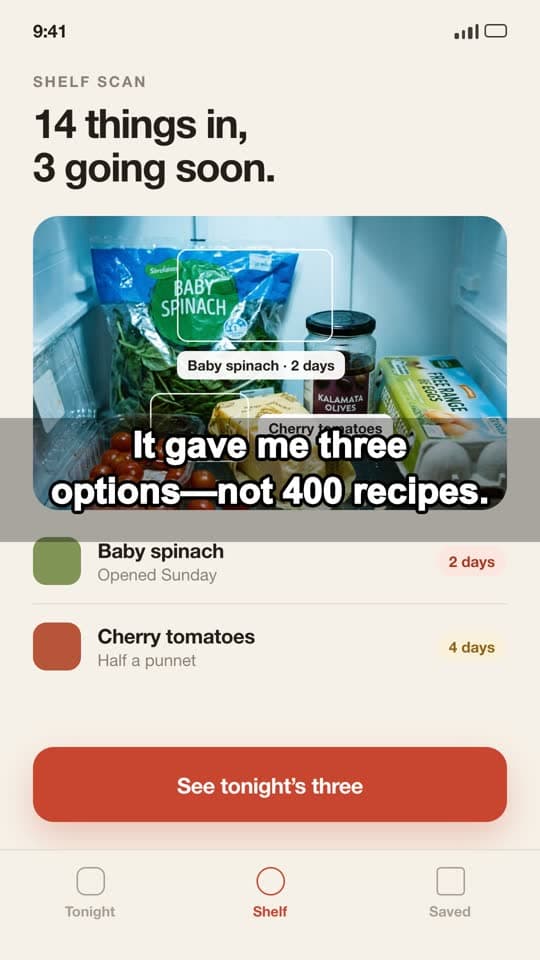








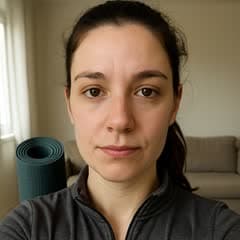

Demo apps shown. Pick a consistent face per app, or rotate a new creator into every batch.
The product context lives in one app kit. Every format starts from it, so the second batch is faster than the first.
Audience, positioning, screenshots and a screen recording, saved once as an app kit. Every generation for that app reads from it.
Simmer turns what is already in your fridge into dinner tonight.
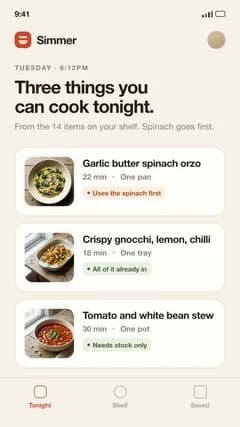
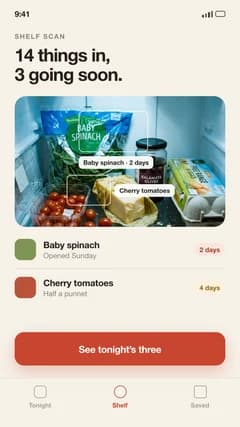
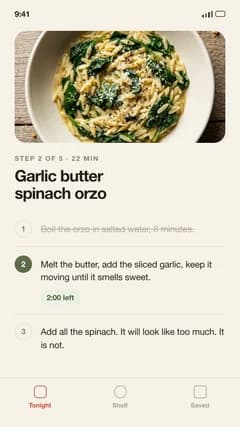
Photo slideshow, Scene + Demo, static ad or Quick Remix. Each one starts from the same kit, so you never re-explain the product.
Creating for Simmer
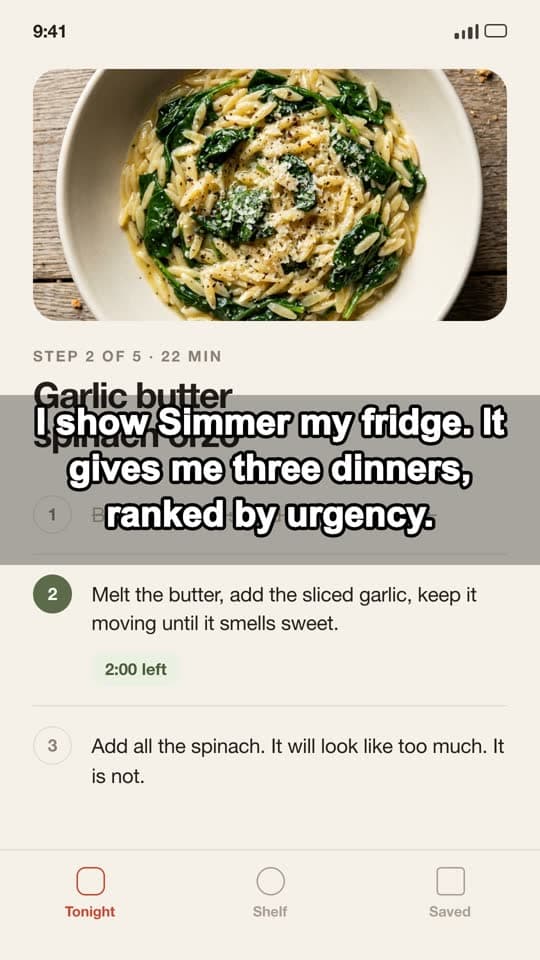
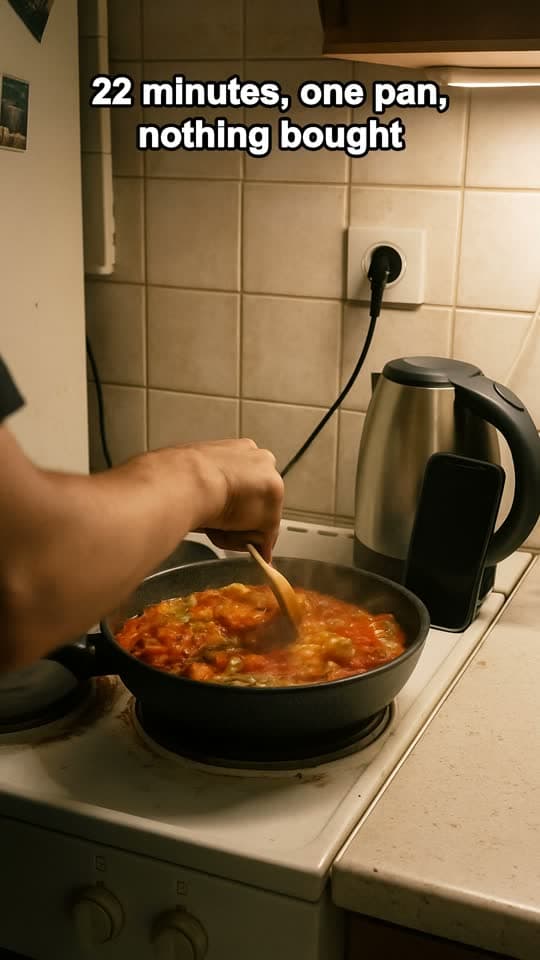
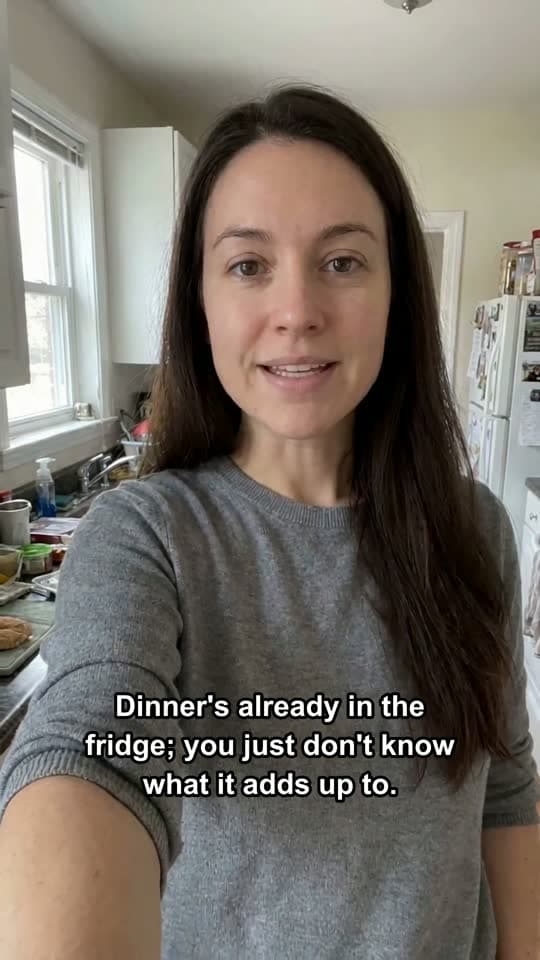
Approve the hook and the direction before anything expensive runs. Every AI step shows its credit cost first.
Hooks for this scene
Your own scene and recording: 0 AI credits
Download ready-to-post files. Captions stay attached to each piece, and you can record what happened after it went live.
ReadyCaption
I owned enough food for dinner. I still opened delivery.
Explore finished creative built around real product footage, a clear story, and an angle worth sharing.
See how a strong opening, real app footage, and clear captions come together in a finished vertical ad.
Drop in an ad you like. Reelfinn analyzes the hook, structure, pacing, and creative pattern, then rebuilds the idea around your product, audience, creator, and app demo.
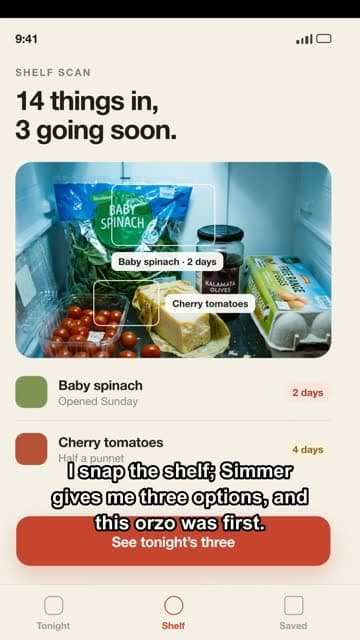
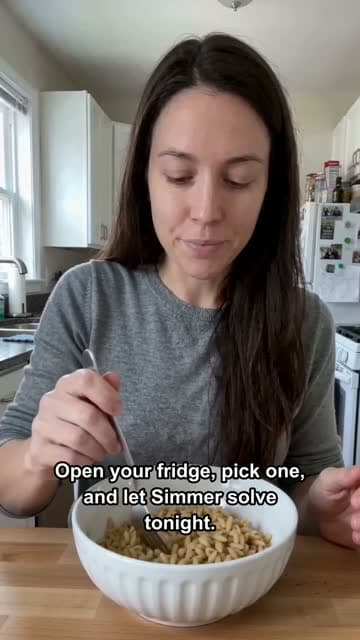
Generate the hook, build the narrative across multiple slides, place screenshots where the product needs to prove the point, and export the complete set.
01 02
02 03
03Generic AI tools start with another blank prompt. Reelfinn starts with your app.
Add your audience, positioning, screenshots, screen recordings, product claims, and creative references once. That context stays connected to every creative you make afterward, so you spend your time testing new hooks, angles and formats instead of explaining the product again.
All of it reads from the same app kit. Change the format without starting the strategy over.
Audience, positioning, screenshots and recordings, saved once per app.
Keep one consistent face per app, or rotate a new creator into each batch.
Drop in an ad you like and get the same idea rebuilt around your app.
A short hook over a scene photo, then your real screen recording.
Swipeable stories from your own photos or generated images.
Ad compositions built for 9:16, 4:5 and 1:1 instead of one crop resized.
Apply many hooks and captions to one visual set and export the variations.
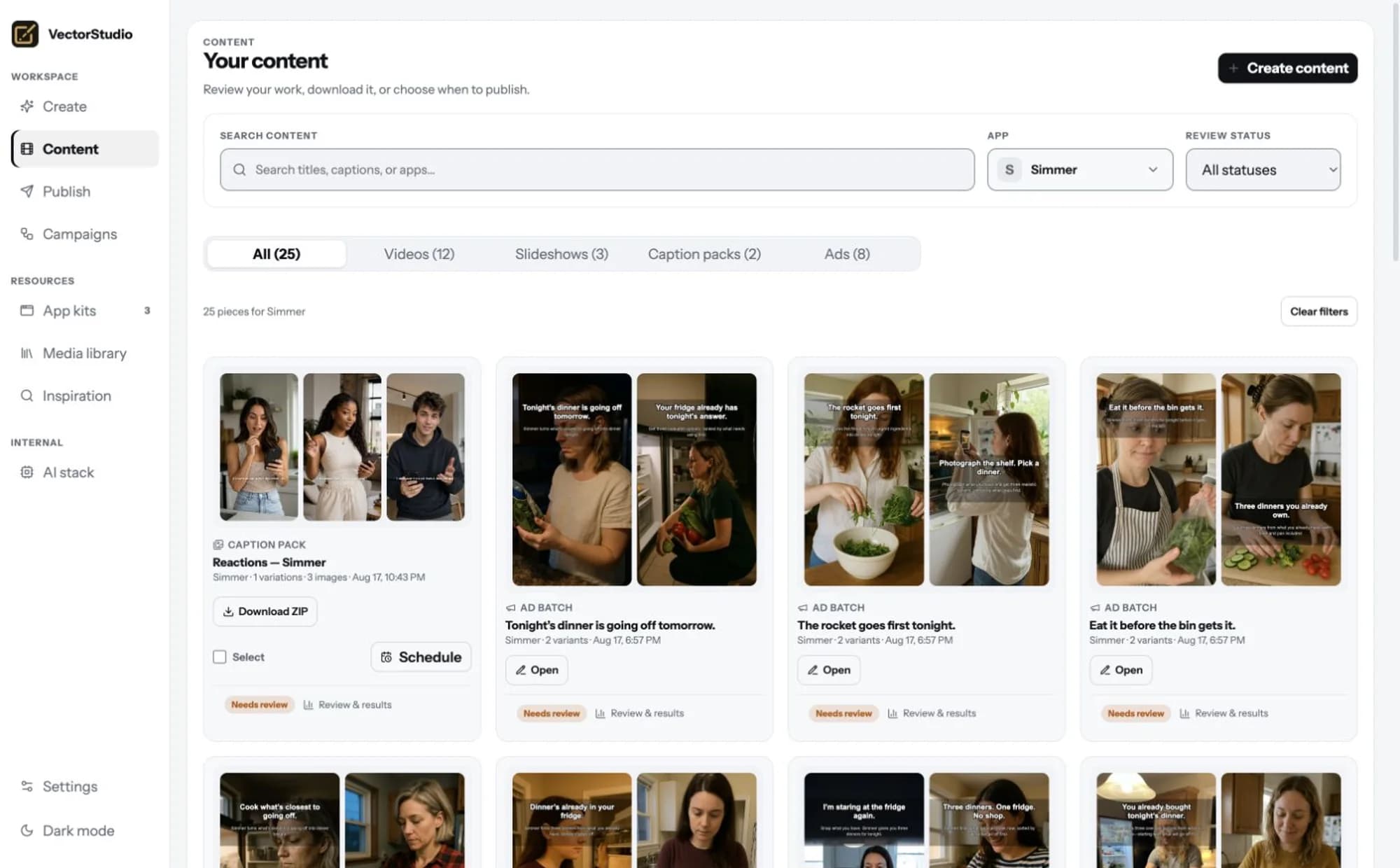
Every export stays with its app, its caption, its review state and its results.
See the AI cost before you generate. Editing, rendering and downloads use no AI credits.
Reelfinn doesn't dump another folder of files onto your desktop. Every finished creative stays connected to the app it belongs to, the caption that shipped with it, its approval status, and the results you record after publishing.
Every plan includes the four available formats, Photo Slideshows, Scene + Demo, Static Ads and Quick Remix, plus a monthly Studio Credit budget. AI image, video, voice, and analysis use credits. Editing, caption packs, local rendering, reviews, and exports do not.
For indie founders creating and testing ads for one app.
For active marketers testing more angles across multiple apps.
For small teams running creative across an app portfolio.
TYPICAL USAGE
Credits pay for AI work, not the format itself. Using your own images, editing, rendering, and downloading use no AI credits. Review the quote before each AI generation; the total depends on the options you choose.
Join the early access list. We’ll email you when your workspace is ready, so you can start creating and share feedback directly with us.
Studio Credits cover AI work. Editing, rendering, and downloading are included in your plan without spending AI credits.
AI image generation, video generation, voice, and analysis. Editing, local rendering, caption packs, creative review, and exports don't consume AI credits.
Video generation carries a real per-generation cost. During early access, Reelfinn starts with paid plans so every customer receives a meaningful production budget.
Extra credit packs and mid-month plan changes are not available during early access. Choose a monthly allowance that fits your workflow, or contact support to discuss your next billing period.
Not currently. Studio Credits reset at the beginning of each monthly billing cycle.
Give Reelfinn your app once. Then keep testing new hooks, creators, angles, formats, and ideas from the same product context.
Get early access
